Tickmill VPS for MT4/MT5 Expert Advisors: Setup, Costs and Reliability Checks
Editorial check: October 2026 · Independent education · Trading terms vary by legal entity and country.
If your trading strategy runs through a MetaTrader Expert Advisor, a computer that falls asleep or loses its internet connection can interrupt the workflow at exactly the wrong moment. A virtual private server (VPS) keeps a copy of your trading terminal running on a remote machine, even while your own laptop is switched off. Tickmill offers information about VPS hosting through its BeeksFX partnership. The real decision is not whether a VPS looks sophisticated, but whether its cost and operating risk are justified for your particular automation.
This guide explains setup and monitoring in plain English. The provider's latest packages, eligibility and prices should be checked at the time of purchase, and any service-level uptime language must be understood in the context of the written contract. A low-latency connection cannot repair a faulty EA or guarantee a positive trading result.
What a VPS actually does for MetaTrader
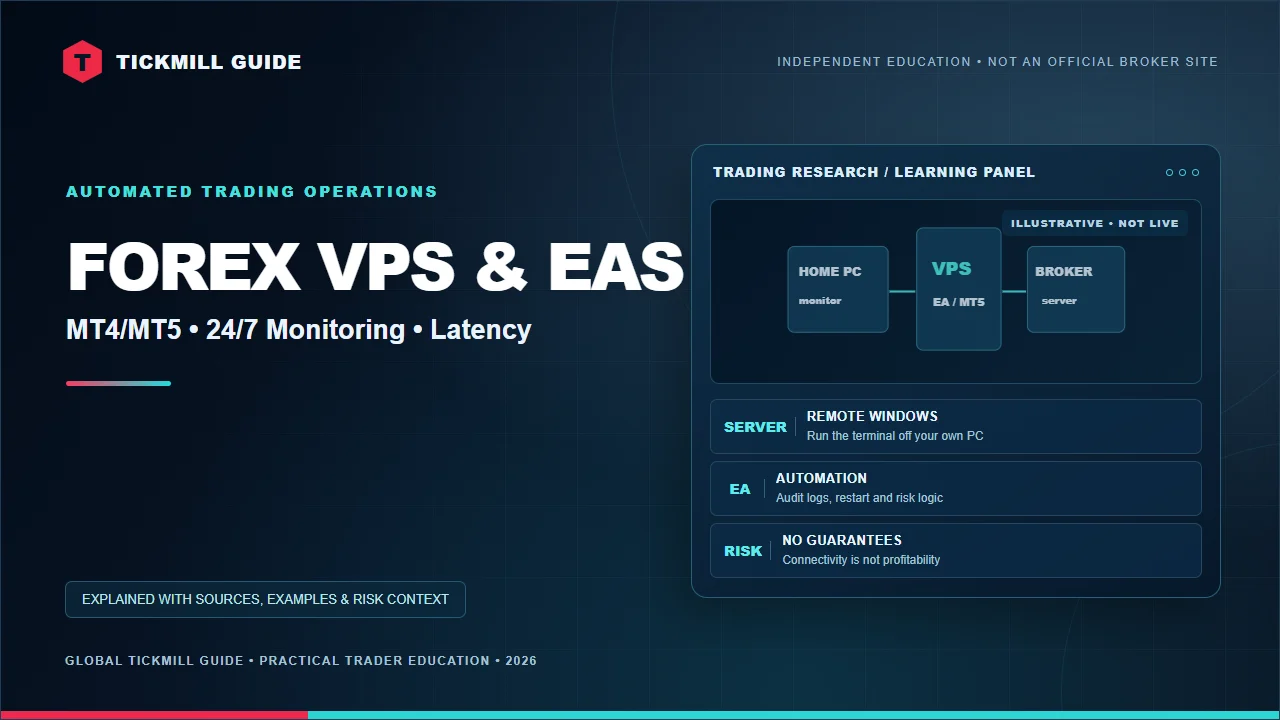
A VPS is a remote computer with a dedicated environment where software can continue running. You access it over a secure remote-desktop connection and install your Tickmill MT4 or MT5 trading terminal. An EA or signal program can then work independently of your home PC, assuming the remote operating system, platform and connections remain healthy.
Tickmill's VPS page describes BeeksFX as an available provider and advertises benefits including a 20% discount on packages for qualifying Tickmill clients, quick setup and support. These are published marketing terms rather than a quote for your specific contract. Determine who bills you, which cancellation terms apply, the server region, memory and CPU requirements, and whether extra software licences are necessary.
| Component | Purpose | Failure to watch |
|---|---|---|
| VPS operating system | Hosts software remotely | Updates or unexpected reboot |
| MetaTrader terminal | Connects to the correct Tickmill account | Wrong server, logout or disconnection |
| Expert Advisor | Applies coded strategy rules | Duplicate orders, wrong lot sizing, bug |
| Monitoring and backups | Alerts and recovery when a process fails | Failures that go unnoticed for hours |
Is a VPS free with a Tickmill account?
Do not assume that an advertised VPS partnership includes universally free hosting. Tickmill's current public page describes BeeksFX access and a discount, but the service provider's paid plan and applicable eligibility may change. Calculate the all-in monthly bill including tax, optional storage and support. A VPS paid at a fixed monthly rate should be treated as a strategy overhead, not a broker spread or an automatic entitlement.
A trader placing two discretionary trades a month may not need a 24-hour server at all. An EA that must manage open positions continuously has a clearer operational reason for one. Avoid purchasing expensive infrastructure before confirming that the strategy can survive realistic spreads, commissions and slippage; see the Tickmill cost guide for that calculation.
How to set up the environment safely
- Choose an authorised VPS provider and a plan adequate for your number of MetaTrader instances.
- Activate multi-factor authentication and a unique strong password for VPS management where supported.
- Install the correct Tickmill MT4 or MT5 client, then confirm the exact trading-account login and server.
- Make an encrypted backup of your EA source files, settings, licences and templates before moving them.
- Start with a demo account or a no-trade test configuration while observing platform logs and connectivity.
- Confirm the terminal reconnects after an intentional software restart and that your EA resumes in the expected safe state.
Do not upload passwords into support tickets or share the remote-desktop administrator account casually. Providers offering “guaranteed winning bots” bundled with unfamiliar VPS installers deserve skepticism; you should know which executable runs, which data it can access and how to revoke it.
Why latency matters, but less than you may think
Latency is the time for information or instructions to travel between systems. Physical proximity to a broker's infrastructure can reduce that round-trip delay, and Tickmill highlights proximity as a potential BeeksFX benefit. However, latency is not the same as order fill quality. Liquidity, spreads, rejection logic, exchange conditions and server-side processing remain part of the final result.
For a strategy with a multi-hour holding period, a few milliseconds of difference may have little practical value. For very short-duration automation, network delay can matter more—but so can frequent spread changes, minimum order distance and slippage. Measure what the strategy actually requires instead of buying a server just because its marketing graphic shows a lower millisecond number.
Operational reliability checklist
A VPS is part of an operating system for trading, not a substitute for regular supervision.
Keep one source of truth for orders
When migrating an EA, the common operational mistake is leaving the same strategy active both on the home PC and on the VPS. Depending on its logic and account configuration, this can cause duplicate entries or conflicting position-management instructions. Make a cut-over checklist: disable the original instance, confirm current open positions, enable the remote version, and observe its first scheduled decision before leaving it alone.
Store a snapshot of the active EA parameters, symbol suffixes, tick-size assumptions and risk settings. A MetaTrader platform update can change behaviour without altering the underlying market strategy. If you run several terminals on one VPS, check that each uses the intended account and platform installation folder.
What happens if the VPS disconnects?
Open positions normally remain at the broker's trading server, but the EA may stop sending or managing instructions while disconnected. Existing server-side stop orders may remain, subject to applicable execution conditions; software-only trailing logic or an EA-managed exit might not. Never assume a remotely calculated stop is the same as an order accepted by the broker's server.
Test reboot recovery and set independent notifications for terminal disconnection, EA exceptions and margin deterioration where technically possible. Keep an authorised backup login method and an emergency decision plan. Our login troubleshooting guide helps separate server selection problems from network failures.
Test an automated strategy before moving it
Use a realistic test window, not just an impressive historical screenshot. Document the observed win/loss distribution, worst drawdown, losing streak, costs and assumptions about volatility. Backtesting can be contaminated by hindsight and overfitting, while demo fills may differ from live execution. Include the VPS bill and administrative time in any economic comparison of your strategy.
- No duplicate terminal or EA instance left active by mistake.
- Unique login and tested reconnect procedure.
- Risk parameters, trading symbol, lot step and broker time checked.
- Automatic restart tested without accidental duplicate orders.
- Logs and independent failure alerts accessible.
Frequently asked questions
Does Tickmill's VPS guarantee that my trades always execute?
No. VPS uptime claims concern hosting availability, not guaranteed broker fills or strategy returns. Markets can gap, liquidity can change and an EA can fail for unrelated reasons.
Can I run an MT4 EA in MT5 on the same VPS?
Not without adapting the code: MQL4 and MQL5 are different environments. Install the correct terminal for each strategy and test the migration.
Can I turn off my laptop once the VPS is configured?
A properly configured VPS can run remotely, but you must still monitor connectivity, logs and risk. Confirm your specific host's operating and billing conditions.
Sources and editorial context
Checked October 2026: Tickmill VPS overview, VPS FAQ and MT5 documentation. Tickmill Guide is independent; the hosting provider's written contract governs actual uptime and fees.
Check the details before you trade
Confirm the broker entity, account eligibility, latest fees, platform options and risk documents with Tickmill. We may earn a commission from a qualifying referral. This is not personalised investment advice.
Visit Tickmill through our affiliate link →Important: Leveraged trading can cause significant losses and is not appropriate for everyone. This independent site is not operated or endorsed by Tickmill. Read the Affiliate Disclosure and Risk Disclosure.


Comments
Have a question about this guide? Join the conversation below.
Post a Comment